AI training for sales teams: the exercises we run
Oct 22, 2026 · 8 min read
 The Gradient TeamGradient
TL;DR: Planning AI training for your sales team? Reps get the most out of exercises built on their own inbox, CRM and accounts, run in the AI tool the company already pays for. Here are the exercises we run with sales teams, the questions sellers ask us, and the mistakes we see most often.
At Gradient, we often hear a version of this from sales leaders: the company rolled out Copilot or ChatGPT months ago, and most reps use it to polish an email now and then. The licenses are paid for, but prospecting and pipeline reviews work the same way they did last year.
The usual fix is a video course or a one-hour webinar on prompting. The trouble is that a generic course teaches with generic examples, and a rep then has to work out alone how it applies to their territory, their accounts and their CRM. Most don't get that far. The trainings that change how a team works use the team's real tools and data, and leave each rep with a prompt or a scheduled task they'll run again on Monday.
What sellers ask in AI training
These are the questions we hear most from sales teams, paraphrased, with the short answer we give.
- "The output sounds like AI, and by the time I've explained what I want, I could have written it myself." This is the most common complaint, and it usually means the AI knows nothing about the rep. We fix it in two steps: custom instructions for standing preferences, and a draft-email skill built from the rep's own sent mail (the last exercise below).
- "How do I stop running out of credits?" Most overruns come from a daily job left on the highest effort level. Default to medium effort and save the top setting for customer-facing work that matters.
- "Can I move what I built in Claude or ChatGPT into Copilot?" Often, yes. A skill is a plain text file, so it travels between tools. Chat history and memory mostly don't.
- "When do I use chat and when do I use agent mode?" Chat is for quick questions and email edits. Agent mode is for multi-step work across the inbox, calendar and CRM. A good habit is to draft the prompt in chat, then run the final version as a task.
- "Can it update Salesforce for me?" Many CRM connectors start read-only, so the AI can read and summarize your pipeline but can't change it, which keeps its mistakes out of your records. The bigger issue is usually data quality: if your CRM holds ten years of records, the AI will report stale opportunities as confidently as live ones.
The exercises we run with sales teams
Every exercise below runs on the rep's real data, in the session, with the whole group watching one or two people share their screen.
Start the day with a morning briefing
Most AI tools now ship a starter "morning briefing" prompt that reads the inbox, calendar and chat messages and lists what needs a reply. We run it as-is first, then tighten it together: add a time window ("the last 24 hours"), a length ("under 200 words"), and exclusions ("ignore newsletters and meeting invites").
Then we check the output against the inbox. The briefing is useful but never perfect out of the box. For example, it will flag an email as urgent when the email itself says "only reply if you can't attend". Catching that in the first week teaches reps to check what the AI flagged before acting on it.
Build a dormant-accounts prompt as a class
The group writes one prompt together to find accounts in the inbox that have gone quiet. The first step is to agree what "dormant" means, for example no reply in 30 to 60 days, because the AI will otherwise pick its own definition. Then we give the AI a role ("you're an expert at finding leads in my inbox") and end with "ask me any clarifying questions before you start". When a rep runs it live, the AI usually asks which kind of silence counts before it builds the list. How to write prompts that work covers these habits in more detail.
Find unanswered customer emails, with a source for every name
Next, the group builds a prompt that finds customer emails nobody has answered in the last two weeks, puts escalations at the top, and suggests who on the rep's own team should be looped in. The rule we add is that the AI has to cite where each person came from: an email thread, a shared note or a document. Without it, the AI will sometimes name a plausible colleague who has nothing to do with the account. Asking for a source makes every name checkable, which is one of the habits in our hallucinations entry.
Ask the CRM a pipeline question
With the CRM connected, a rep asks a question they'd normally answer by exporting a report, such as "list my open deals closing this quarter, with owners and the next follow-up for each". The AI returns the list and can chart it by owner or stage. Follow-up questions get more out of it: compare recent email activity with the CRM to find records nobody has updated, or pull the main contact on each top deal with the date of the last conversation. MCP explains how these connectors work and what permissions to give them.
Turn a weekly chore into a scheduled task
We ask each rep for one task they do every week, then automate it during the session. A common one is renewals: query the opportunities coming up for renewal, build a table with the contact and close date, and stage a draft email to each contact for the rep to review. The drafts sit in the outbox until the rep sends them. Another is a pipeline summary that lands in the rep's inbox the morning before the weekly forecast call. For that one, put an example of the report your manager expects into the prompt, so the AI knows what a good result looks like. Our agents entry covers how much to let a scheduled task do on its own.
Write a draft-email skill from your sent mail
This is the fix for "it sounds like AI". The rep asks the AI to read their sent emails and write down the patterns: greetings, sign-offs, sentence length, phrases they use often, and an example of each pattern. Scope it carefully: ask for emails you sent to customers over a set period, and leave out internal threads, because a mix of customer emails, memos and press releases blurs the voice. The result becomes a skill the rep calls with "draft an email" and a link to the thread. Reps who want more can add one sub-skill per audience, such as customers, partners and technical buyers.
The decision AI can't make for a rep
Before every training, each rep completes a Gradient exercise: a realistic sales task done with AI, which includes choosing who to email at a target account. The AI, left to itself, picks the same obvious contact almost every time. Reps who knew something the AI didn't, like who they met at a conference or who has been friendly in past calls, often pick someone else.
In the live session we show the group how their choices split and why. A rep's knowledge about people and relationships is the part AI can't supply, so it's the part to put into the prompt.
Mistakes we see in sales AI training
- Assuming a connector is connected. A rep runs a prompt, the AI answers from nothing, and the rep doesn't notice. Before trusting an answer, check that the AI actually read the inbox or CRM you think it read.
- Leaving a daily job on maximum effort. An inbox triage that runs every morning on the highest setting can use a month of credits in a week or two. Scheduled jobs should run on medium effort unless the output goes straight to a customer.
- Running everything in one long chat. Long threads that mix topics get worse answers, a problem called context rot. Start a new chat for each task, and carry over a short summary if you need the earlier context. Context engineering explains why.
- Installing skills and connectors from the internet. A connector that reads your email, sees outside content and can send messages is open to prompt injection. Use the official connectors your IT team approves, and rebuild a skill you like from its description instead of installing someone else's file. Sellers also see this from the other side: some LinkedIn profiles now hide instructions aimed at recruiters' AI tools.
How Gradient runs AI training for sales teams
Before the live session, each rep spends 30 to 45 minutes on a Gradient exercise, doing a realistic sales task with AI. Each person gets personal feedback with specific moments from their session and one tactic to try next time. We score the exercise on the four dimensions of AI fluency: Setup, Direction, Judgment and Mindset.
The live session is set to those results. We teach in the tool your team already uses (Copilot, ChatGPT or Claude), show strong examples from colleagues' own sessions, and spend the most time on the team's biggest gaps. Every training covers judgment and security: checking AI output against the source, and what to connect and what to leave out. A second exercise afterward measures how much the team improved. More on the format is on our AI training for teams page.
If you're planning AI training for your sales team, book a demo and we'll show you the exercise and a sample team report.
Start hiring AI fluent talent.
We’ll show you an assessment, walk through the scoring engine, and get you live in a few hours.
More from the blog
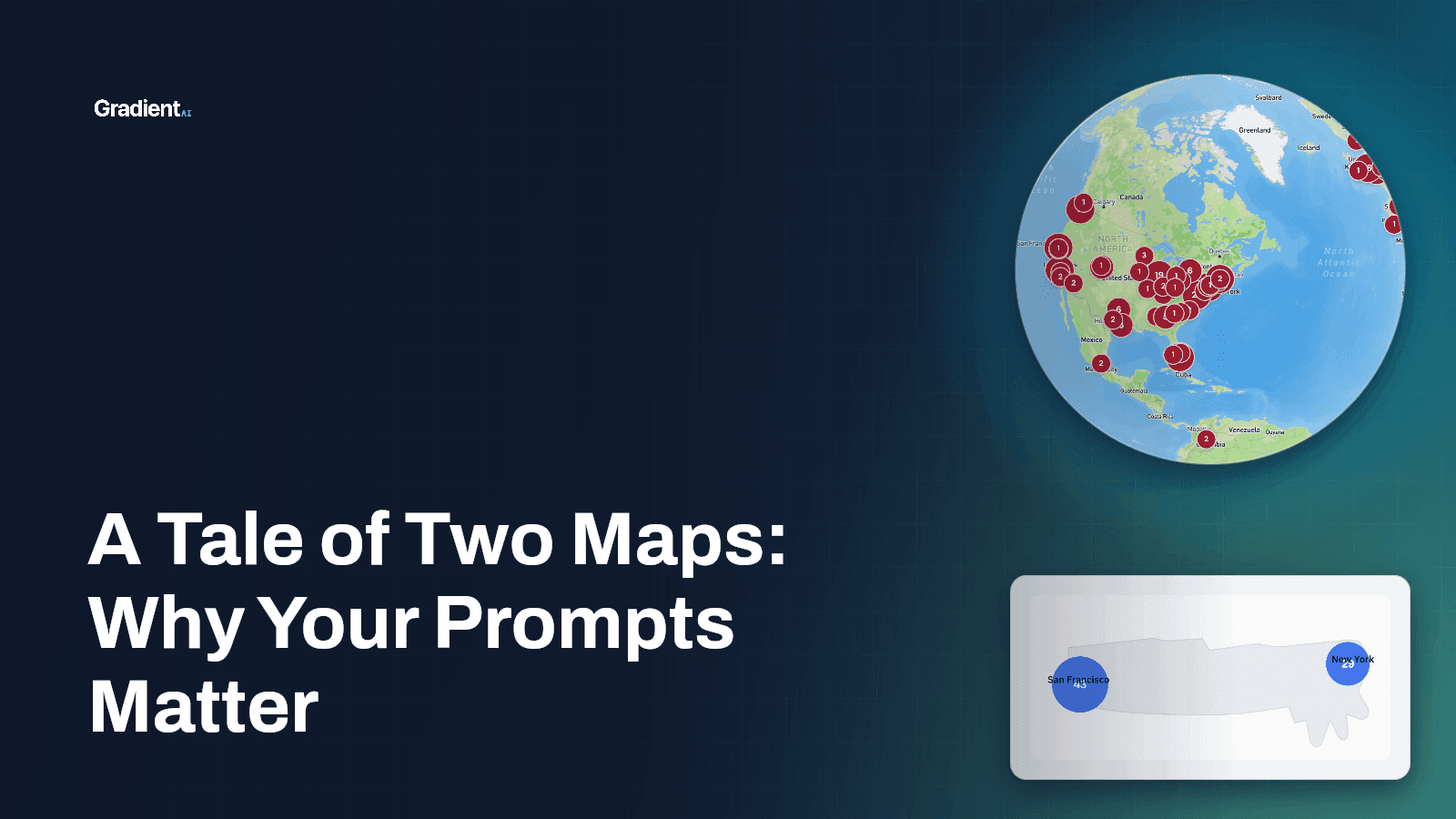
A Tale of Two Maps: Why Your Prompts Matter
I asked AI for a map twice. Once I got a spinning globe. Once I got a blob where Florida looks like a cow's udder. The blob came from the better model.
 MB Samuel
Oct 2, 2026 · 4 min read
Build a Brand Skill That Actually Works
One of the first things we help teams set up in our trainings is a /brand skill. Here's how ours is designed, part by part, with a downloadable example.
MB SamuelSep 15, 2026 · 15 min read
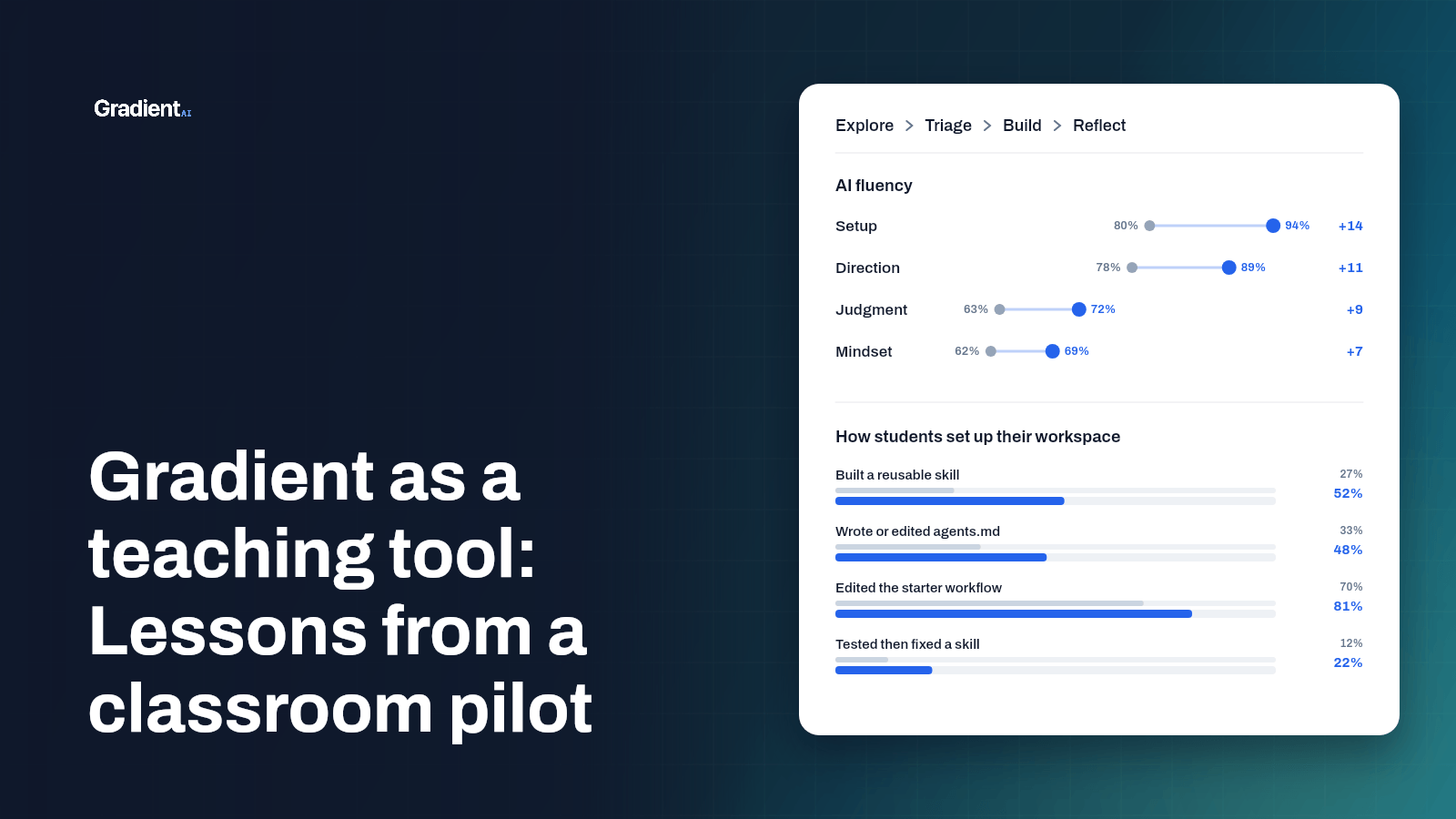
Gradient as a teaching tool: Lessons from a classroom pilot
We ran Gradient as a pre- and post-test in a three-week graduate course on generative AI. What the numbers, the students, and the instructors taught us.
MB SamuelSep 10, 2026 · 6 min read